So I’ve always coded to some extent on my phone, but the majority of it was ops work — it was way easier to SSH in and run some Docker commands on my phone than to spin up an IDE and fight with a mobile keyboard. These days though, I’m doing about 90% of my side project work on my phone. Still running a lot of shell commands manually, but with AI tools I’m also managing agents from my phone terminal session.
The setup hasn’t really changed from what I’ve always done. I’ve been a heavy Blink Shell user for years — SSH into a remote box, attach to a tmux session, get my changes done. What has changed is what happens inside tmux now. Every so often I’ll be editing a file in vim on a phone — as if fighting with vim on a phone wasn’t enough — but tmux on a touchscreen (not to mention my key bindings are heavily customized for my UHK keyboards) is its own adventure. Anyway, the short answer is: it’s much easier to just write a prompt to change the file.
Funny enough, this is the same workflow I’ve had for years. Blink → SSH → tmux. The difference is that AI tools made the “edit a file” step 100x easier on a phone, which was always the missing piece.
So while everyone seems to love Claude, I do too — but I almost never use it when SSH-ing from my phone. Realistically it’s slow, and I usually just want a quick edit or something very direct.
I’m generally biased toward Gemini as my default AI for most things, but I actually prefer cursor-agent when in a phone terminal session. It has the simplest CLI interface and works best with Blink — it’s not trying to render a full interactive UI in the terminal.
The tmux resume script
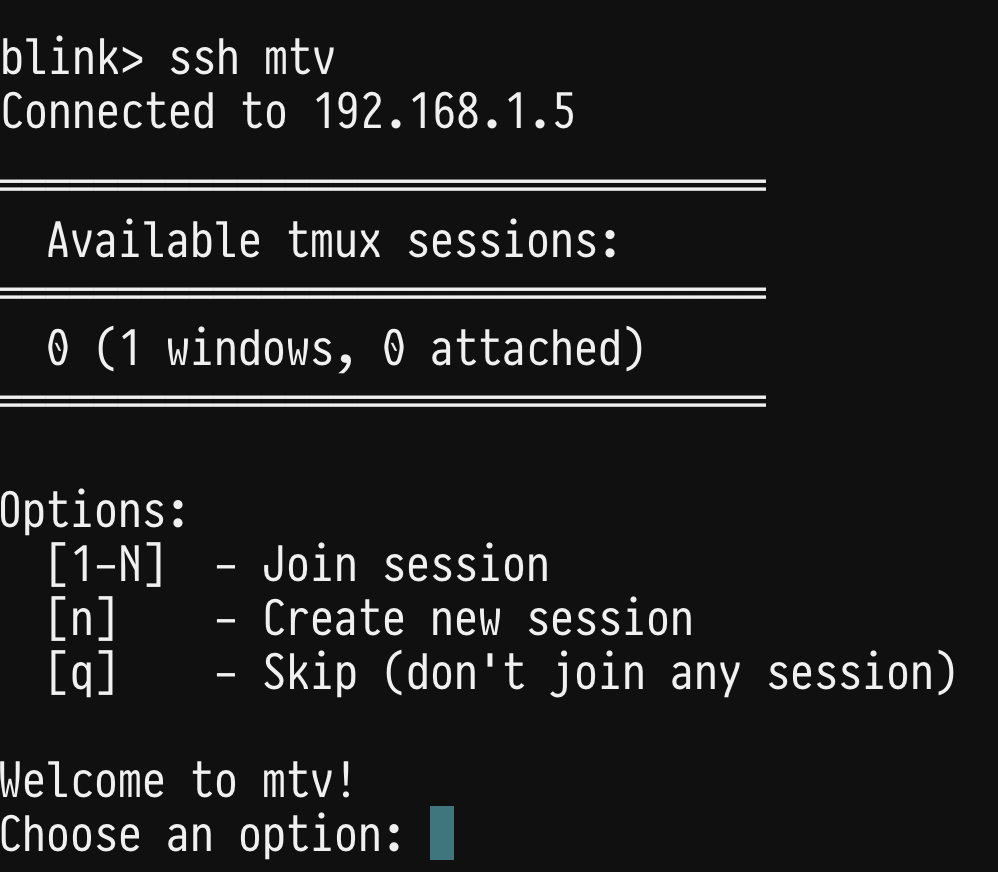
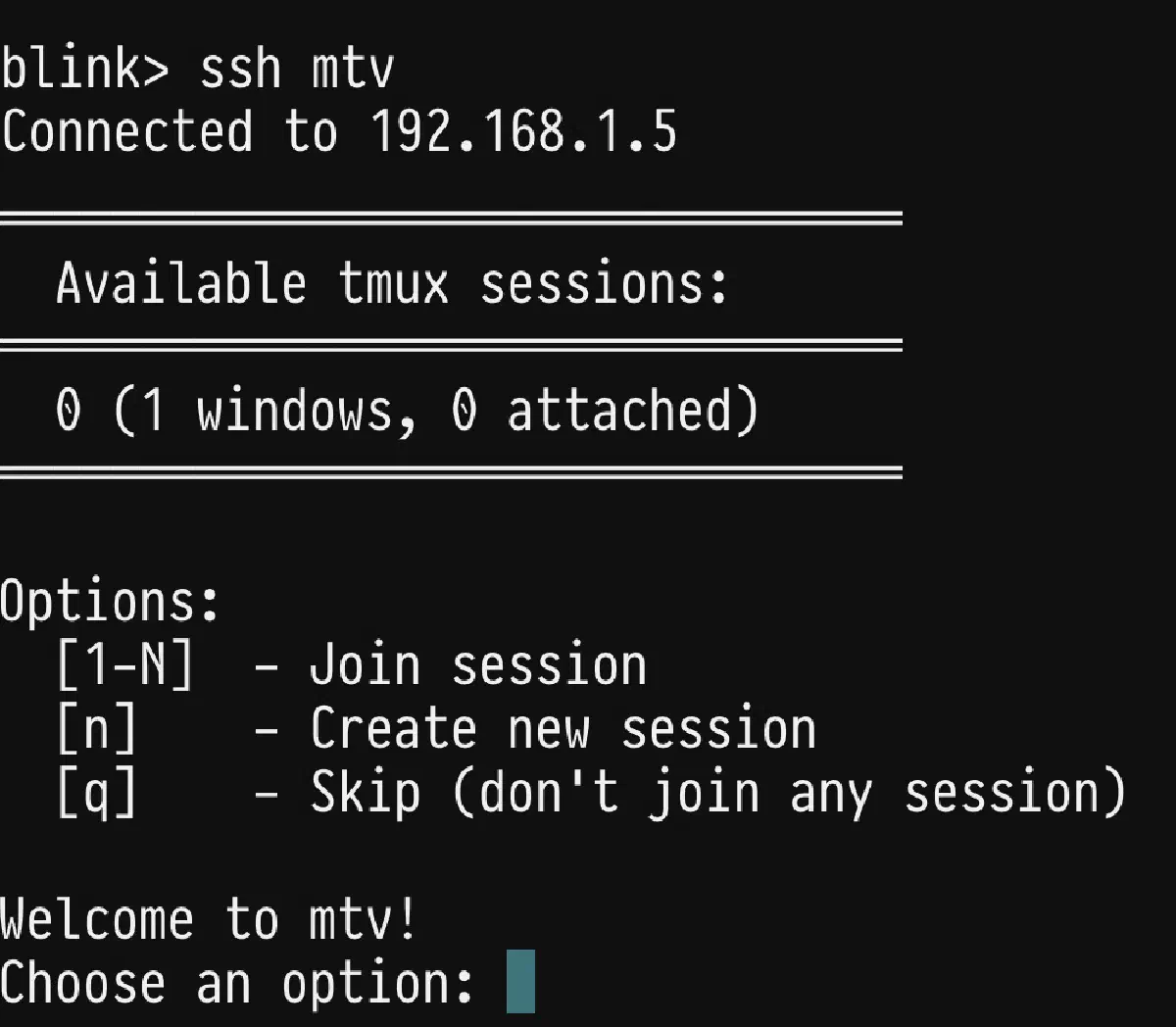
The thing that actually makes this whole workflow smoother is this tmux resume script. When I SSH into my machine, it automatically runs and prompts me which session I want to join — no need to remember to run tmux attach, no cd my-project dance to continue where I left off.
I use Fish shell, so this lives at ~/.config/fish/functions/tmux-ssh-resume.fish, and I call it from config.fish with tmux-ssh-resume:
function tmux-ssh-resume
  # Only run in interactive shells (skip for SCP, rsync, etc.)
  if not status is-interactive
    return
  end

  # Check if we're in an SSH session
  if test -n "$SSH_CLIENT" -o -n "$SSH_TTY"
    # Check if we're not already in a tmux session
    if test -z "$TMUX"
      set sessions (tmux list-sessions 2>/dev/null)

      if test -n "$sessions"
        echo ""
        echo "═══════════════════════════════════════════════════════"
        echo "  Available tmux sessions:"
        echo "═══════════════════════════════════════════════════════"
        tmux list-sessions -F "  #{session_name} (#{session_windows} windows, #{session_attached} attached)"
        echo "═══════════════════════════════════════════════════════"
        echo ""
        echo "Options:"
        echo "  [1-N]  - Join session"
        echo "  [n]    - Create new session"
        echo "  [q]    - Skip (don't join any session)"
        echo ""

        while true
          read -P "Choose an option: " choice
          set choice (string trim $choice)

          if string match -qr '^[0-9]+$' $choice
            set session_count (tmux list-sessions 2>/dev/null | wc -l | string trim)
            if test $choice -ge 1 -a $choice -le $session_count
              set session_name (tmux list-sessions -F "#{session_name}" 2>/dev/null | sed -n "$choice p")
              echo "Attaching to session: $session_name"
              exec tmux attach-session -t "$session_name"
              return
            else
              echo "Invalid session number. Please choose between 1 and $session_count"
            end
          else if test "$choice" = "n" -o "$choice" = "new"
            set session_name "ssh-"(date +%Y%m%d-%H%M%S)
            read -P "Session name (default: $session_name): " custom_name
            if test -n "$custom_name"
              set session_name (string trim $custom_name)
            end
            echo "Creating new tmux session: $session_name"
            exec tmux new-session -s "$session_name"
            return
          else if test "$choice" = "q" -o "$choice" = "quit" -o "$choice" = "skip"
            echo "Skipping tmux session attachment."
            return
          else
            echo "Invalid option. Please enter a number, 'n' for new, or 'q' to skip."
          end
        end
      else
        echo ""
        echo "No tmux sessions found."
        read -P "Create a new session? [Y/n]: " create_new
        if test -z "$create_new" -o "$create_new" = "y" -o "$create_new" = "Y"
          set session_name "ssh-"(date +%Y%m%d-%H%M%S)
          read -P "Session name (default: $session_name): " custom_name
          if test -n "$custom_name"
            set session_name (string trim $custom_name)
          end
          echo "Creating new tmux session: $session_name"
          exec tmux new-session -s "$session_name"
        else
          echo "Skipping tmux session creation."
        end
      end
    end
  end
end
The script itself isn’t anything special, but it’s probably the single most helpful piece of my setup. It removes the friction of continuing where I left off — which used to quietly kill my momentum.
End result looks like: